



Interactive Guide: How to Use Scroll zkEVM

 Scroll zkEVM has launched an alpha testnet.
Getting started with Scroll zkEVM
Author: Gaurang (GT) Torvekar
Compiled by: MarsBit
This article aims to introduce beginners to how to interact with L2 Dapps.
In this guide, I will discuss how to get started with Scroll zkEVM and how to interact with Ethereum L2 Dapps. The skills learned in this guide are theoretically transferable to any other Layer 2 network. In the article, I will use a Dapp I created as an example. This is an on-chain TicTacToe game that can be played on the Scroll L2 network.
Preparation - Install Metamask (or any similar wallet)
If you have already installed Metamask, you can skip this step. If not, please visit https://metamask.io/download/ and install the appropriate version for your browser or mobile device.
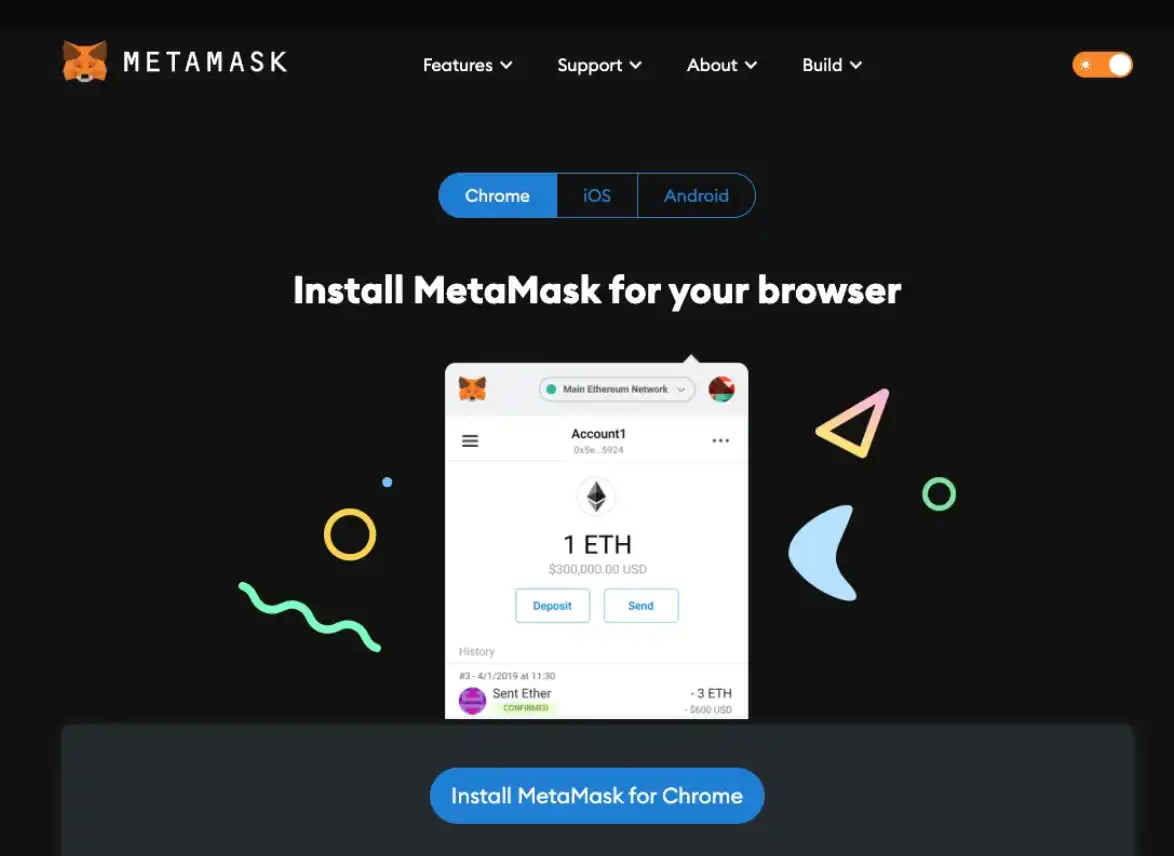
Step 1 - Set up Scroll L2 Testnet and Goerli Testnet
Currently, Scroll zkEVM has launched an alpha testnet. This is a Layer 2 network that is compatible with the EVM (Ethereum Virtual Machine). This means that any smart contract written on the Ethereum network can be deployed locally on Scroll zkEVM using the same set of tools. The Scroll L2 alpha testnet is currently "connected" to the Goerli test network on Ethereum L1. This means that the Scroll L2 network sends batches of transactions to the Goerli L1 network to "finalize" transactions. Therefore, ultimately, they still rely on the "security" of the Ethereum L1 network, but scalability is achieved since not every transaction needs to be published on the Ethereum network.
You can set up the Scroll L2 network by visiting https://scroll.io/alpha and following the instructions to add the network to Metamask. On that page, you should add the Goerli network to your Metamask (if you haven't done so already).
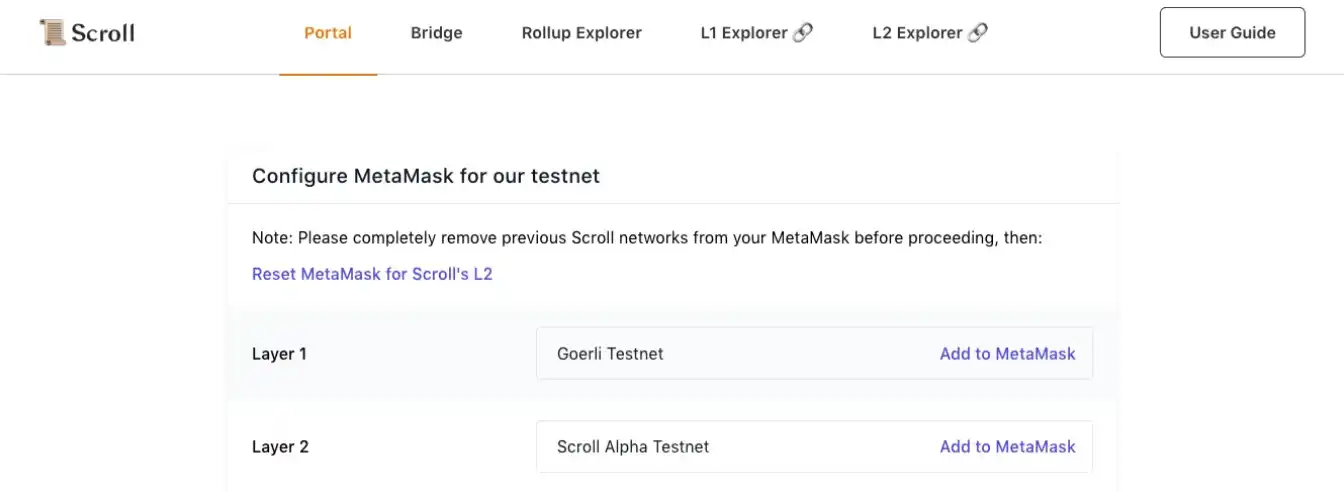
Step 2 - Get some Goerli Test ETH
After setting up the network in Metamask using the steps above, you need to obtain some Goerli ETH from a faucet.
You can use the following faucets:
https://goerlifaucet.com/ --- This faucet gives 0.2 ETH at a time, and you need to register/login to Alchemy to receive tokens.
https://goerli-faucet.pk910.de/ ------ This PoW (Proof of Work) faucet can provide more ETH since you need to keep the page open and "mine" some ETH. I prefer this faucet over the first one.
https://faucet.paradigm.xyz/ ------ This faucet requires you to log in with Twitter. It takes some time to get 0.1 ETH, so it's less convenient.
You can use one of the above faucets or a combination of all three.
Once you have enough ETH, proceed to the next step.
Step 3 - "Bridge" some ETH from Goerli to Scroll L2
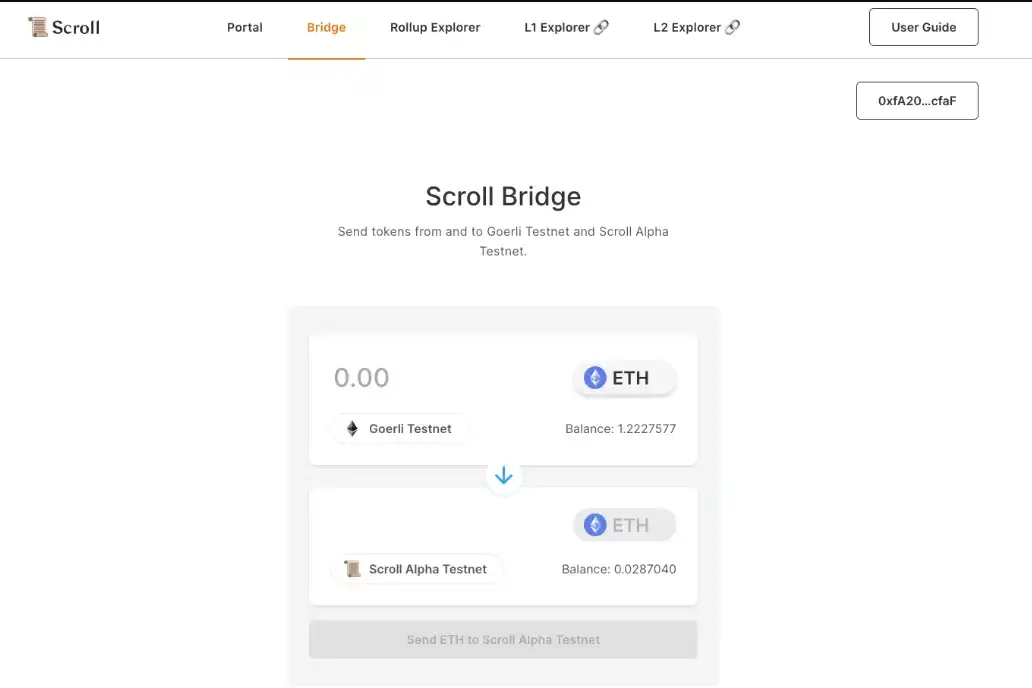
Now, the next step is to bridge some ETH accumulated in step 2 to the Scroll L2 testnet. To do this, go to the bridging interface - https://scroll.io/alpha/bridge.
Follow the instructions on the page to transfer some ETH to your address on the Scroll L2 testnet.
Please note that this transaction will not complete immediately and will take some time to transfer ETH. Once the ETH is transferred, you can proceed to the next step to try out the awesome on-chain Tictactoe game!
Step 4 - Play the on-chain game Tictactoe
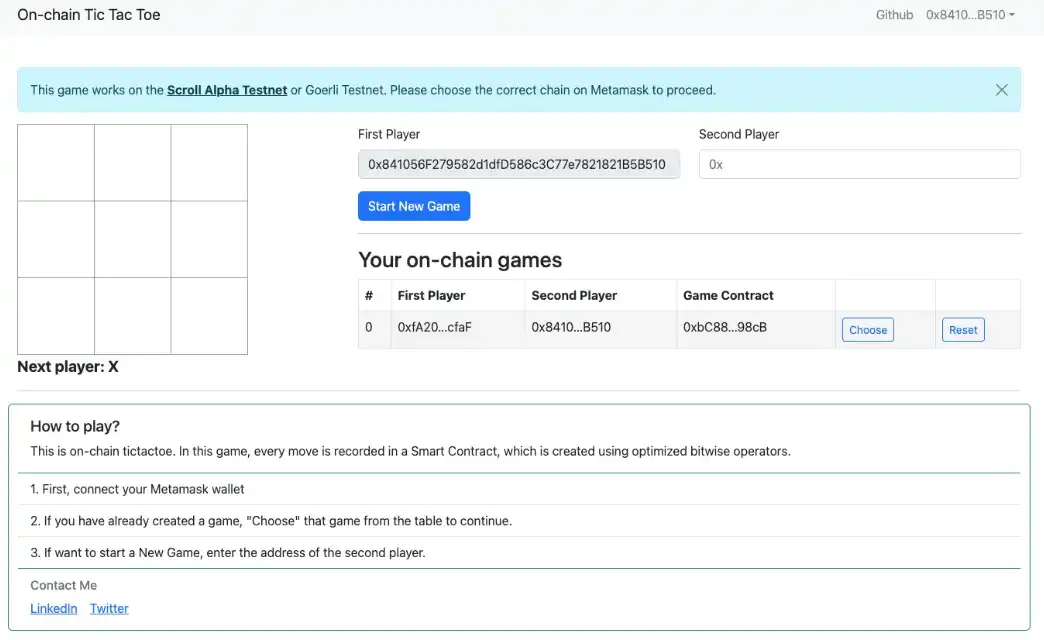
Check out the game at https://onchain-tictactoe.vercel.app/. Connect your wallet to this page and create a new game. Since this is a multiplayer game, you need to add your friend's address, or even your second wallet can act as the second player.
Once you create your first game, you need to "select" a game from the table below, and then you can start playing on-chain Tictactoe.
This game also has an interesting element! If you make a mistake at any step, or if you don't want to lose the game, you can "reset" the game at any time.
Note - I have open-sourced the game's code. You can find it on GitHub.
Step 5 (Optional) - Explore other Dapps on Scroll L2
If you want to test other Dapps and games on Scroll, check out this page - https://ethdenver.scroll.systems/
 Risk warning Risk warning


Popular articles